Try TacDesk — Live Interactive Demo
Explore TacDesk from every role — guard, supervisor, manager, and client. No signup needed. No time limit.
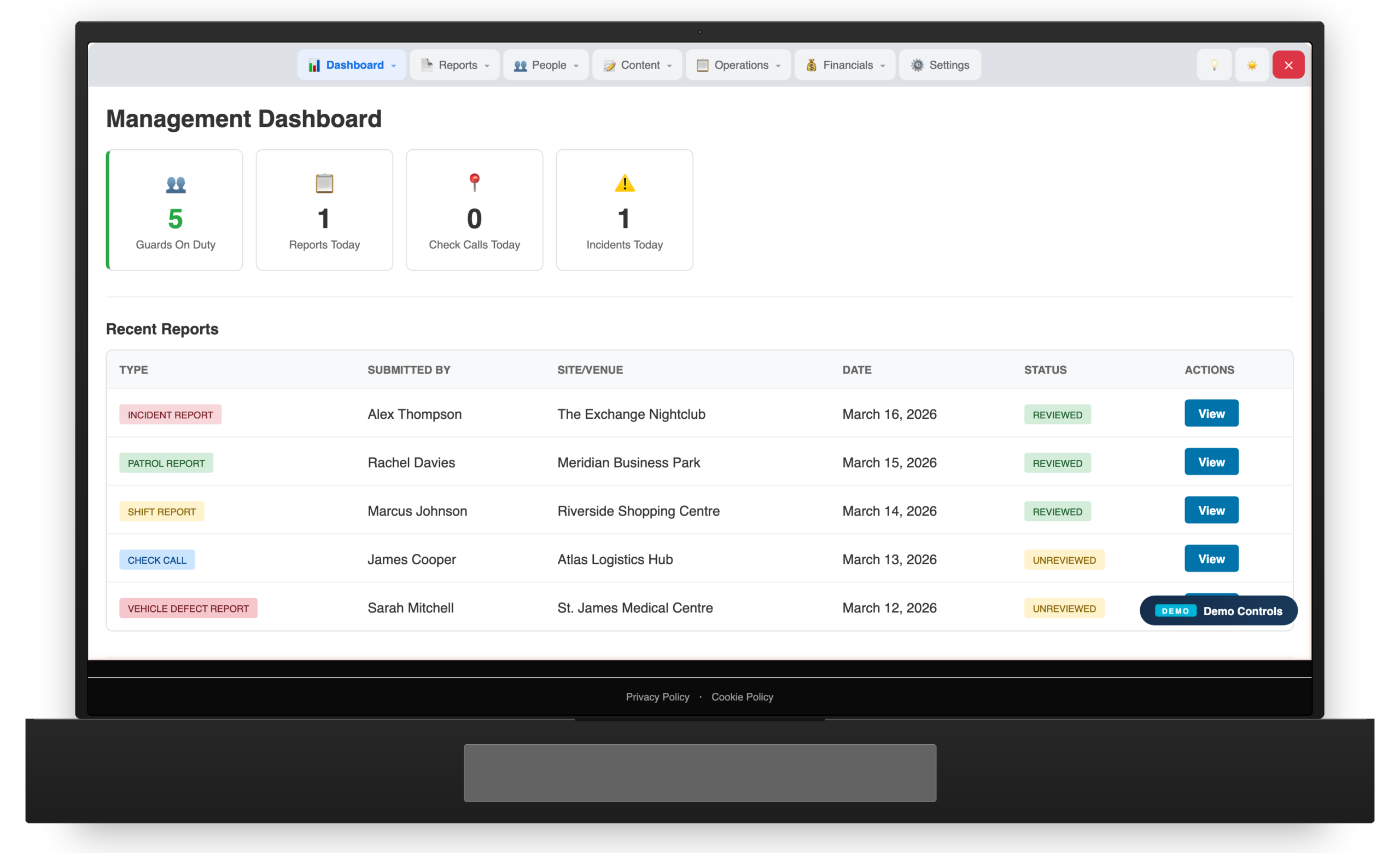
Choose Your Role, Explore the Platform
The demo gives you full access to a pre-loaded environment with realistic data.
Guard View
Clock in with GPS, submit incident reports, complete patrol checkpoints, view your shift schedule, and log entries in the digital occurrence book.
Supervisor View
See your team's status, review submitted reports, monitor live patrol progress, and manage shift swaps and coverage.
Manager View
Full management dashboard — live guard map, all reports, client management, rota builder, BOLO alerts, occurrence books, and operational analytics.
Client Portal View
See what your clients see — live guard status, incident reports, patrol verification, and attendance records for their sites.
What You Can Explore
The demo is pre-loaded with realistic data across multiple client sites.
GPS Clock In/Out
Experience the full clock-in flow — site selection, GPS verification, and instant status updates across all dashboards.
Incident Reports
Submit a test incident report with photos and see it appear instantly in the management dashboard and client portal.
Patrol Checkpoints
Walk through a checkpoint scanning flow and see patrol completion tracked in real time.
Shift Scheduling
View the pre-built rota, see how shifts link to clock-in data, and explore the scheduling interface.
BOLO Alerts
Browse active Be On the Lookout alerts and see how they're distributed to guards across sites.
Occurrence Book
View the digital daily occurrence book with automatic entries from clock events and manual guard entries.
Demo Environment Notice: This is a sandboxed environment with pre-loaded fake data. It resets periodically. No real personal data is used. The demo works best on mobile devices to experience the full guard workflow.
Want a Personalised Walkthrough?
Book a one-on-one demo with our team. We’ll show you TacDesk tailored to your operation.